Why Did My Google Merchant Center Organic Traffic Drop? (August 2026)

You opened Google Merchant Center this week, looked at your free-listing (organic) performance, and the line fell off a cliff. Maybe it’s down 20%, maybe more — and worse, the drop appears to reach back into your Q3 numbers, so even last month looks worse than you remember.
Before you tear apart your product feed looking for what broke: almost nothing did. What you’re seeing is a reporting change Google rolled out on August 24, 2026 — a reclassification of how Merchant Center counts traffic, not a loss of visibility or a feed problem. Here’s exactly what happened, how to confirm it’s this and not something real, and what (if anything) to do.
What Google actually changed
Per Google’s own Merchant Center Help documentation, two things changed on August 24, and both affect historical data going back to July 1, 2026:
- YouTube affiliate traffic is now separated from “Organic.” When a creator features your product and earns a commission, that traffic used to be counted inside your organic (free-listing) numbers. It’s now reported as its own distinct interaction type — “YouTube affiliate” — and pulled out of the Organic bucket. If you had meaningful affiliate-driven traffic, your reported organic number just dropped by roughly that amount.
- Organic YouTube traffic was redefined to align with YouTube’s own reporting standards. Google notes this “may cause a one-time drop” in reported organic clicks and impressions.
Crucially, Google retroactively restated the historical data for these two changes back to July 1 — so about six weeks of your Q3 figures were recalculated. That’s why the drop doesn’t look like a clean step-change on August 24; it reaches backward.
The one-line version: the shoppers didn’t leave, and your feed didn’t break. The number moved buckets.
Why this looks alarming (but isn’t)
A reporting reclassification and a real traffic loss look identical on the chart — a line going down. The difference is what caused it:
- A real drop means fewer people are seeing or clicking your products: disapprovals, lost rankings, a broken feed, a penalty.
- A reclassification means the same activity is now filed under a different label. Your products are still showing, still getting clicked. Google simply stopped counting YouTube-affiliate interactions as “organic.”
Google itself describes the expected effect as “a significant one-time drop” in reported organic traffic. Significant and one-time and expected — that’s the signature of a reporting change, not a problem to fix.
How to confirm it’s the reclassification (and not a real problem)
Don’t take our word for it — verify it against your own account in three checks:
- Look at the timing. If your decline starts at or reaches back from August 24 and the historical dip begins around July 1, that lines up exactly with this change. A real feed problem usually starts when you changed something, or when products got disapproved — not on Google’s rollout date.
- Check your product status, not just the traffic line. Open Merchant Center’s Products / “Needs attention” view. If your products are still approved and active, you haven’t lost visibility — the traffic is still flowing, just labeled differently. If instead you see a wave of disapprovals, that’s a separate, real issue — and it’s fixable (start with the complete disapproved-products fix guide).
- Rule out a feed regression in seconds. The fastest way to be sure your feed is healthy is to audit it with an AI agent — connect it to Simple Product Feeds and ask “what’s wrong with my Google feed?” If it comes back clean, you can stop worrying about the report and get back to work. If it surfaces real problems, you’ve found the actual cause instead of chasing a phantom.
If the timing matches, your products are approved, and your feed audits clean — you’re looking at the reclassification. Re-baseline your numbers and move on.
How big should the drop be?
Here’s a useful gut-check: the size of your reported drop should roughly match how much YouTube-affiliate traffic you actually had. If creators and affiliates feature your products heavily, expect a larger dip. If you had little affiliate exposure, your organic number may barely move at all.
The point is that the decline should be proportional to a known slice of your traffic — not a mysterious across-the-board collapse. If your drop is far bigger than your affiliate footprint could possibly explain, that’s your signal to stop assuming it’s all reclassification and go looking for a real cause: fresh disapprovals, a feed regression, or a genuine ranking loss. Use the same three checks above — a clean audit will tell you quickly which world you’re in.
There’s actually good news buried in this update
The same August 24 release quietly expanded product-level performance reporting. Product-level data in Performance Max now includes Video, App, and Demand Gen campaign formats (not just Shopping), and there’s a new “Network” dimension.
For a merchant who cares about feed quality, that’s a real upgrade: you can now see how your product data performs across far more of Google’s surfaces, not just Shopping. Feed attribute completeness — good titles, correct GTINs, clean categories — becomes measurable across Video and Demand Gen too. The better your feed, the more of that newly-visible performance you capture.
What to actually do now
- Don’t “fix” a feed that isn’t broken. The single worst reaction to this change is to start aggressively editing your feed to chase a number that only moved because of a label. You risk introducing a real problem while trying to solve a fake one.
- Re-baseline your reporting. The new, lower organic figure is your new normal. Reset expectations and any dashboards or alerts that compare against pre-August-24 numbers.
- Keep your feed genuinely healthy. The traffic that remains — the real organic and Shopping performance — is still driven by feed quality. A clean, complete, disapproval-free feed is what earns it. That part didn’t change, and it’s the part worth your attention.
The merchants who panic this week will waste it second-guessing a healthy feed. The ones who verify the cause in ten minutes — timing, product status, a quick audit — will confirm they’re fine and spend the week on work that actually moves the needle.
Ready to simplify your product feeds?
Simple Product Feeds connects your Shopify store to Google Shopping, Meta, and more — in minutes.
Install Simple Product FeedsFrequently Asked Questions
- Did my Google Merchant Center organic traffic actually drop?
- Almost certainly not in real terms. On August 24, 2026 Google changed how it reports Merchant Center traffic — YouTube affiliate interactions are now separated out of "Organic" — and restated historical data back to July 1, 2026. Your reported organic number fell, but the underlying visibility and clicks didn't; the same activity was moved to a different label.
- Is this a penalty, or did my feed break?
- No. It's a reporting change that applies to every merchant — not a penalty and not a feed problem. Google describes the expected effect as "a significant one-time drop" in reported organic traffic. To be sure your feed is healthy, confirm your products are still approved and audit the feed; if both are clean, you're seeing the reclassification, not a real loss.
- What is "YouTube affiliate" traffic?
- When a creator features your product in YouTube content and earns a commission, that's affiliate traffic. It used to be counted inside your organic (free-listing) numbers; as of August 24, 2026 it's reported as its own distinct interaction type and excluded from Organic.
- Will my historical data change too?
- Yes. Google retroactively restated the affected data back to July 1, 2026, so roughly six weeks of your Q3 numbers were recalculated. That's why the drop reaches backward instead of appearing as a clean step-change on August 24.
- What should I do about it?
- Don't aggressively edit a feed that isn't broken. Verify the cause — the timing matches August 24 with a July 1 historical dip, your products are still approved, and the feed audits clean — then re-baseline your reporting to the new normal and keep your feed genuinely healthy, since that's what drives the traffic that remains.
- Is there anything good in this update?
- Yes. Product-level performance reporting expanded to include Video, App, and Demand Gen formats (not just Shopping), plus a new "Network" dimension. Feed quality — good titles, correct GTINs, clean categories — is now measurable across far more of Google's surfaces.
Related Articles
Google Merchant Center Disapproved Products: The Complete Fix Guide (Updated 2026)
Product disapproved in Google Merchant Center? Diagnose the exact cause and fix it fast — every disapproval type, the fields to check, and how to stop repeats. Updated for 2026 policies. Merchant Center. Step-by-step fixes for GTINs, price mismatches, image violations, missing attributes, and more.

How to Audit Your Shopify Product Feed With an AI Agent
Manual feed-audit checklists don't get run, and free checkers don't know your feed. Here's how to audit your Shopify product feed by asking an AI agent — grounded in your live data, ranked by impact, and ready to fix.
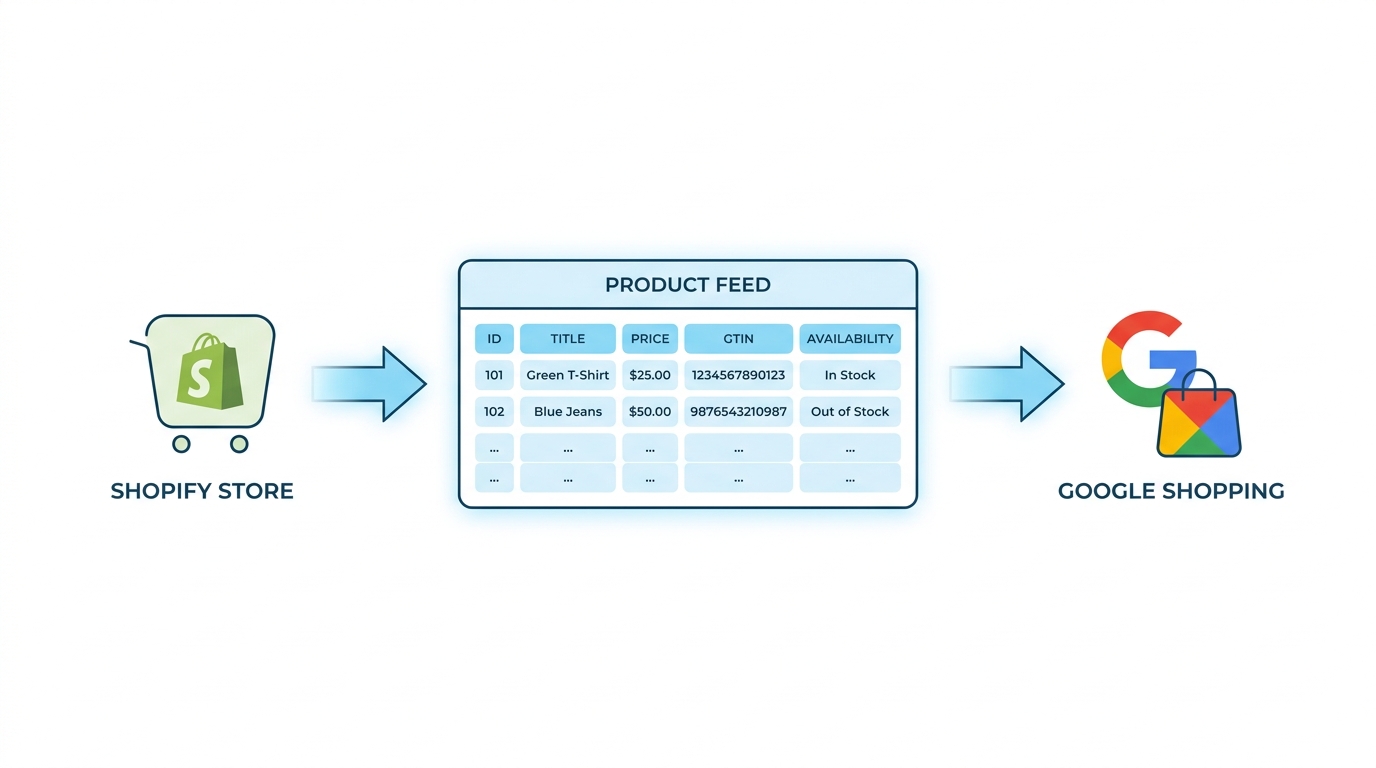
Google Shopping Product Feed for Shopify: Setup, Optimization, and Maintenance
Complete Shopify guide to Google Shopping product feed setup: field mapping, title optimization, GTIN validation, variant handling, and ongoing maintenance.
How to Connect an AI Agent to Your Shopify Product Feed
There are two things people mean by connecting an AI agent to your Shopify product feed — and the operator one (audit, fix disapprovals, publish) is the one that saves you time. How to connect Claude, ChatGPT, and more, safely.