How to Fix Google Merchant Center Disapprovals With an AI Agent

Almost every “fix your Google disapprovals with AI” guide means the same thing: paste your product data into ChatGPT, get back a list of suggestions, then go apply them by hand in your feed. It’s better than nothing — but the AI never actually touches your feed. It advises; you still do the work, one disapproval at a time, and you’re back to pasting again next week.
There’s a different version now. An AI agent connected directly to your product feed can read your actual disapprovals, propose the fix, show you the exact before-and-after, and — once you approve — apply it and republish. The loop closes. Here’s how that works, and where it stops.
”AI that suggests” vs. “an agent that fixes”
| ChatGPT copy-paste | Connected agent (this guide) | |
|---|---|---|
| Works from | Data you paste in | Your live feed’s real findings |
| Output | Suggestions to read | A previewed change it can apply |
| Who applies the fix | You, by hand | The agent — on your approval |
| Repeatable | Re-paste every time | Same connection, any time |
| Auditable | No record | Every change logged |
The difference isn’t intelligence — both are the same underlying models. It’s connection. An agent wired into Simple Product Feeds over the Model Context Protocol is working on your real feed, not on a screenshot of it.
Step 1 — Ask what’s actually disapproved, and why
Start read-only. Ask the agent “What’s disapproved in my Google feed, and why?” and it reads your feed’s findings — your real failures, grouped by reason with counts, not generic advice. Then drill in: “Why is this specific product disapproved?” and it walks the row’s lineage to show you the exact field and the rule or mapping responsible.
That grounding matters. A copy-paste tool guesses from whatever you pasted; a connected agent is looking at the same data Google is.
Step 2 — Fix it, preview-first
This is the step the suggestion tools can’t do. Ask “Fix the products disapproved for missing GTINs,” and the agent proposes the change — a rule, or per-product overrides — and shows you the exact before/after diff: which products are affected and what each one becomes, before anything publishes. You approve; it applies. Nothing touches the feed you didn’t see first.
The same shape handles the most common feed-side disapprovals:
- Missing or invalid GTIN / identifier — set the identifier-exists signal, supply the value, or exclude the products that genuinely have none.
- Title or description policy terms — rewrite across the whole affected set with one rule instead of editing products one by one.
- Missing required attributes (brand, category, and gender/age for apparel) — fill them by rule or override.
- Availability or price mismatch — correct the mapping so the feed matches your store.
Each is a request in plain language, previewed before it lands.
What a real fix looks like
Say 240 products are disapproved for a missing GTIN. Some are name-brand items that genuinely have a GTIN you can supply; others are your own handmade goods that have none. A copy-paste tool can’t tell those apart — it doesn’t know your catalog. A connected agent can: ask it to “split the missing-GTIN disapprovals into products that should have a GTIN and products that don’t,” and it groups them from your real data. Then you handle each group correctly in one move — supply identifiers for the brand-name set, and mark the handmade set as having no identifier so Google stops expecting one — each previewed before it publishes. What would have been an afternoon of spreadsheet filtering becomes two reviewed decisions.
Step 3 — Publish, and let Google re-check
Ask “run my Google feed” and the agent republishes; Google re-checks on its next fetch. A day later you can re-audit — “are those GTIN disapprovals cleared?” — and get a straight answer from the same connection. Feed QA stops being a project you dread and becomes a question you ask.
Catch them before they happen
The best disapproval is the one that never posts. Because the connection stays open, the audit isn’t a one-time cleanup — it’s something you can run on a cadence. Ask the agent “anything new failing since last week?” and it re-reads the findings and reports only what changed. New products with thin data, a supplier feed that dropped GTINs, a title that drifted into policy trouble — you see them as findings, not as a Google email three days after spend already leaked. Turning a reactive scramble into a standing check is most of the value; the fixing is just the last step.
The disapprovals an agent can fix — and the ones it can’t
This is where honesty matters more than a demo. Feed-side disapprovals — missing or wrong attributes, titles, identifiers, availability, price — are exactly what a feed agent fixes, because they live in the data it controls.
But some disapprovals are store-side: an untrusted domain, policy problems on your website, misrepresentation, a landing page Google can’t verify. No feed rule fixes those — they need changes to your store or your Google account. A trustworthy agent tells you which is which rather than pretending a feed edit resolves a website problem. For the full catalog of disapproval reasons and their underlying fixes — feed-side and store-side — see the complete disapproved-products fix guide.
Install Simple Product Feeds free on Shopify →
Why the connected version wins
- Grounded in your feed, not in whatever you remembered to paste.
- Closed-loop — find, fix, and publish in one workflow, instead of copy-paste round trips.
- Preview-first, with per-row lineage and a full audit trail — every change is explainable and reversible-by-review, so letting an agent touch your feed is safe, not reckless.
- Repeatable — run the same audit weekly and the agent becomes your standing feed QA, catching new disapprovals before they drain spend.
How to connect your agent
The workflow above runs on any MCP-capable agent — Claude, ChatGPT, Codex, or Cursor — pointed at one endpoint. On claude.ai it’s a one-click connector with no API key; other agents use an API key against the same URL. The connect-your-agent guide has the exact steps for each, and you can start read-only so the agent only finds problems until you trust it to fix them. If you run feeds across many stores, an agency org key lets one agent triage disapprovals across your whole client portfolio in a single pass.
Fixing disapprovals has always been the least glamorous, most recurring job in paid shopping. Handing the mechanical part to an agent — while keeping every change in front of you — is the first place the agentic workflow pays for itself.
Ready to simplify your product feeds?
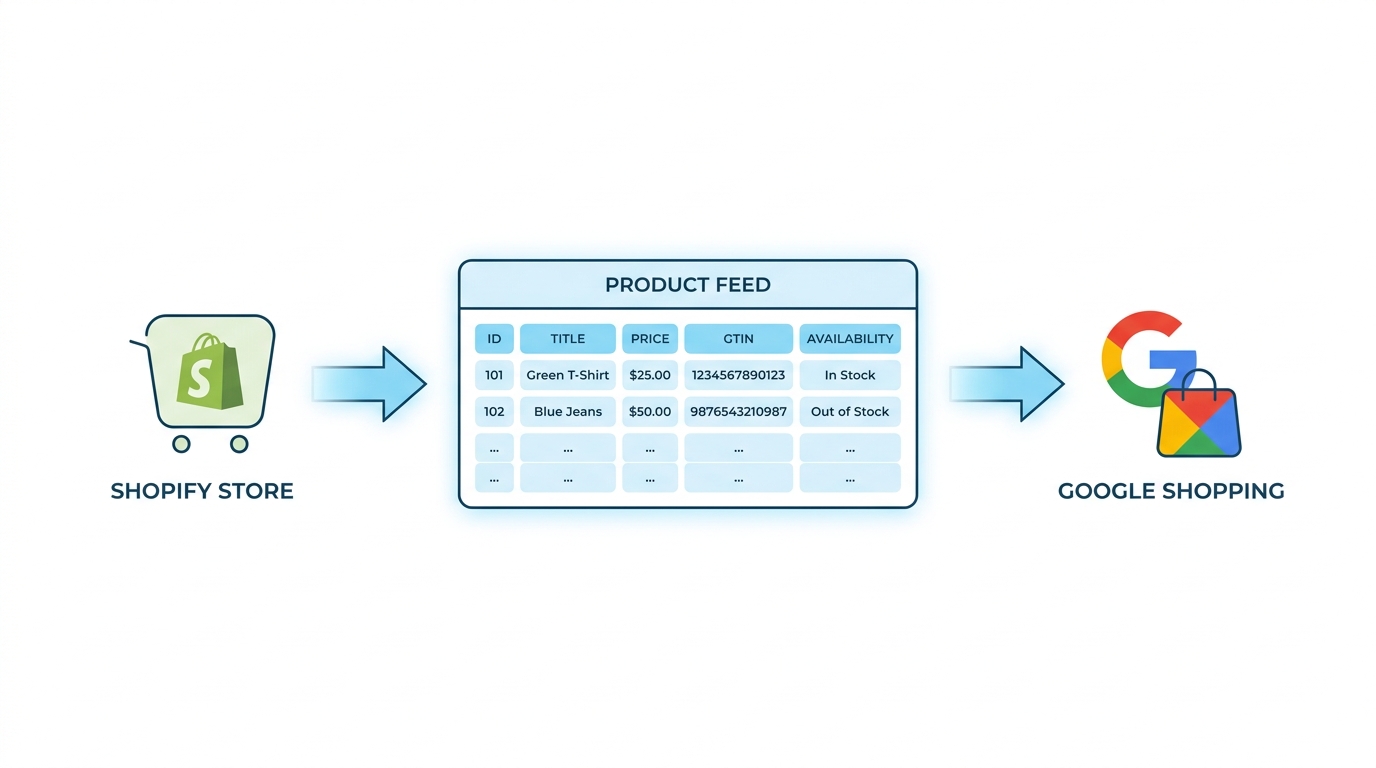
Simple Product Feeds connects your Shopify store to Google Shopping, Meta, and more — in minutes.
Install Simple Product FeedsFrequently Asked Questions
- Can an AI agent actually fix disapprovals, or only suggest changes?
- A connected agent does more than suggest. It reads your real disapprovals, proposes a specific fix, previews the exact before/after diff, and — once you approve — applies it to your feed and republishes. A bare ChatGPT prompt only hands you suggestions you then apply yourself, because it isn't connected to your feed.
- Which disapprovals can an agent fix?
- The feed-side ones: missing or invalid GTINs and identifiers, policy terms in titles and descriptions, missing required attributes (brand, category, gender/age for apparel), and availability or price mismatches. Store-side disapprovals — untrusted domain, website policy issues, misrepresentation — need changes to your store or Google account, and a good agent tells you which is which instead of pretending a feed rule fixes a website problem.
- Is it safe to let an AI agent change my product feed?
- Yes — every change is preview-first. The agent shows the exact before/after diff and nothing publishes until you confirm. You can inspect per-row lineage for any product, every change is recorded in an audit trail, and you can connect read-only so the agent only finds problems until you trust it to fix them.
- Do I need to know how to code?
- No. On claude.ai you connect with one click and no API key, then work in plain language — "fix the missing-GTIN disapprovals." Other agents need an API key pasted into a config file once, but the work itself is entirely conversational.
- How is this different from asking ChatGPT to fix my feed?
- A bare ChatGPT session works only from data you paste in and returns suggestions you apply by hand. An agent connected through Simple Product Feeds reads your live feed's actual findings and applies the previewed fix on your approval — grounded in your real data, closed-loop, and logged.
Related Articles

How to Connect an AI Agent to Your Shopify Product Feed
There are two things people mean by connecting an AI agent to your Shopify product feed — and the operator one (audit, fix disapprovals, publish) is the one that saves you time. How to connect Claude, ChatGPT, and more, safely.

How to Audit Your Shopify Product Feed With an AI Agent
Manual feed-audit checklists don't get run, and free checkers don't know your feed. Here's how to audit your Shopify product feed by asking an AI agent — grounded in your live data, ranked by impact, and ready to fix.

Google Merchant Center Disapproved Products: The Complete Fix Guide (Updated 2026)
Product disapproved in Google Merchant Center? Diagnose the exact cause and fix it fast — every disapproval type, the fields to check, and how to stop repeats. Updated for 2026 policies. Merchant Center. Step-by-step fixes for GTINs, price mismatches, image violations, missing attributes, and more.
Google Shopping Product Feed for Shopify: Setup, Optimization, and Maintenance
Complete Shopify guide to Google Shopping product feed setup: field mapping, title optimization, GTIN validation, variant handling, and ongoing maintenance.